




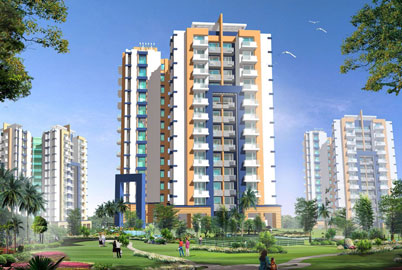
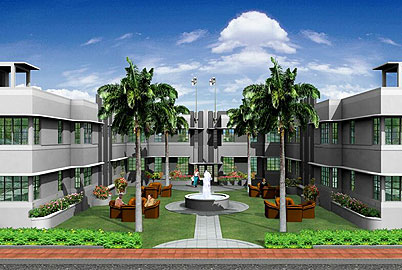
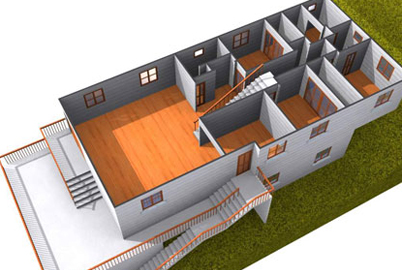
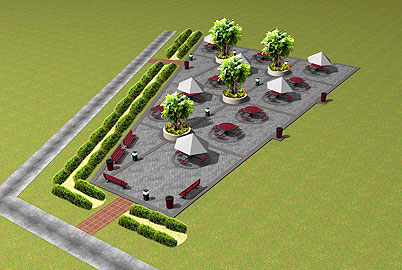
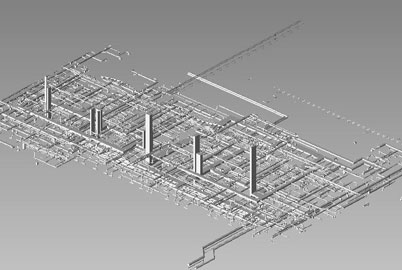
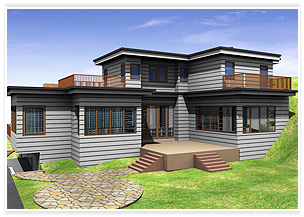
Autocad makes creation of 3D rendering possible in a minimum time of a building or an object. 3D Autocad drawing tools shorten the process of rendering a quality image with the help of material, lighting and rendering tools.
3D rendering provides photorealistic effects to any object, product or a building. The three rendering techniques are polygon-based rendering, scan line rendering, and ray tracing rendering.
Autocad helps to preview various aspects of the object even before a rendering is created. This saves a considerable amount of time in creating a final 3D rendering.
Computerized rendering includes:
 Creation of the model
Placing of lights
Attaching materials to the various objects in the model
Finally rendering the model
AutoCAD uses a ribbon bar, collecting tools into task-based panels, eliminating multiple toolbars and reducing screen clutter. The Render panel helps the renderer to view the entire building/object/product in its entirety or in parts. It also displays the extent of rendering through the rendering progress meter.
To give a realistic and real life feel to the buildings the 3D renderer has at his disposal spotlights, web lights, point lights and many more types. The lighting tool helps:
To give a more realistic feel
The viewer to know how the natural light and the artificial lights will affect the interiors and the exteriors of the building, flats, products etc
To create the interiors accordingly
To landscape the surroundings with advance information about the play of natural lights
To work with materials one needs to use a tool bar on the materials panel. This materials panel is located on the visualize ribbon bar. The material tool bar helps in:
Attaching realistic materials to objects in the model
Creating a brick and mortar object
Giving textures to the materials for more realistic look
3D rendering is widely used by architects, builders, landscapers, advertisers and engineers. The 3D rendering technique is used to present a visual of the building/product/object even before it is built along with providing us information about the texture, material and lighting that will be used.
Use our Online Forms to get a free quote for our 3D rendering AutoCAD.